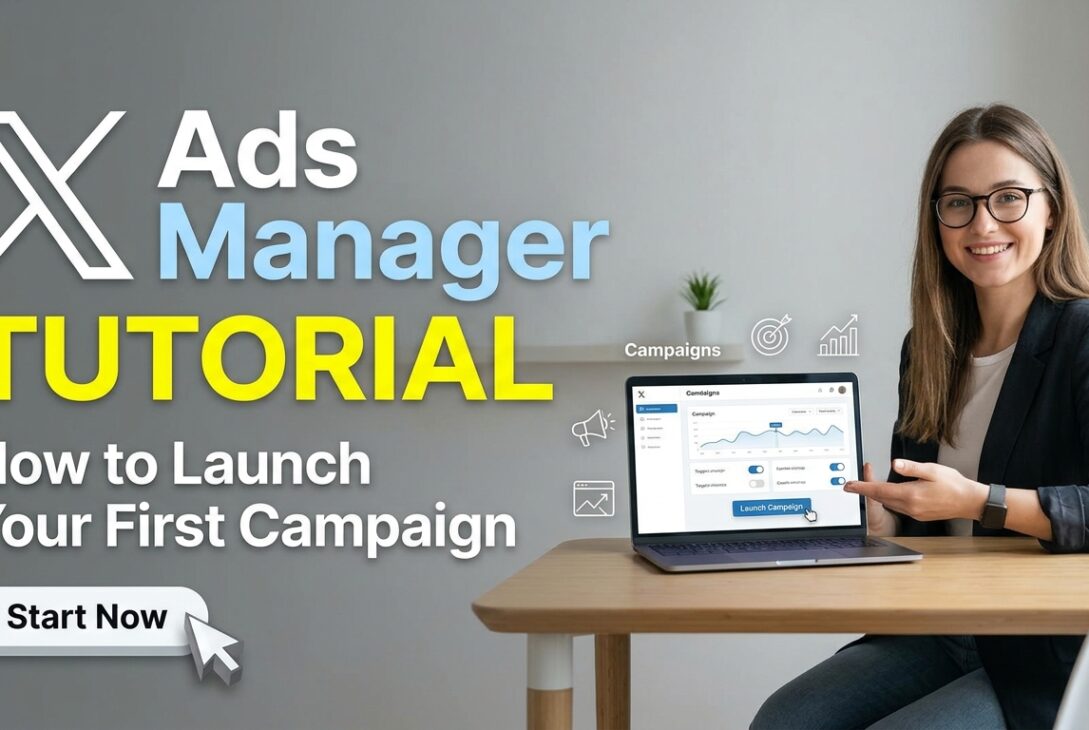
Twitter Ads Manager, now called X Ads Manager, is the self-serve platform for creating and running paid campaigns on X.
Even though the platform has been renamed, many marketers still search for “Twitter Ads,” and the tools work much the same way: you choose an objective, define your audience, set a budget, and launch ads that appear in timelines, search results, profiles, and video placements.
This tutorial walks you through launching your first campaign step by step.
You’ll learn how campaigns are structured, what to prepare before you start, how to set up your account and the X Pixel, which objective to choose, how to target and budget your ad groups, how to create effective ads, and how to optimize once you’re live.
If you’re still deciding whether the platform is right for your brand, read our analysis of whether X ads are still worth it before you spend.
What Is X Ads Manager?
X Ads Manager is X’s dashboard for building, managing, and measuring paid campaigns. You can reach it from your X account or directly through the ads website. Like most social media advertising platforms, it uses a three-level structure:
| Level | What you set here | Example |
|---|---|---|
| Campaign | Objective, overall budget and schedule | “Product launch: website traffic” |
| Ad group | Targeting, placements, bid, and ad group budget | “US, 25–44, follower lookalikes of top tech accounts” |
| Ad | The post you promote: text, image, video or carousel, plus destination | “Video demo with Learn more button” |
One campaign can contain several ad groups, so you can test different audiences side by side. Each ad group can include several ads, letting you test creative within the same audience.
Before You Start: A Quick Checklist
Prepare these before opening X Ads Manager:
#1. A complete X profile with a clear profile photo, header image, bio, and website link. People often check your profile before clicking an ad.
#2. A clear goal and budget, such as “get 100 newsletter sign-ups for under $5 each.”
#3. A landing page that matches your offer and loads quickly on mobile.
#4. Creative assets: a few images or short videos sized for mobile, plus several versions of your post copy.
#5. A payment card for your ads account.
#6. Your brand standards. Decide which content you don’t want your ads to appear near. Setting clear brand safety rules before launch makes it easier to choose the right placement controls.
How to Set Up Your X Ads Account
Setting up your account takes about 10 to 15 minutes:
#1. Log in to the X account you want to advertise from, then open X Ads Manager. X’s official X Business site links to Ads Manager and setup guides.
#2. Choose your country and time zone. These affect billing and reporting, so pick carefully.
#3. Add a payment method, usually a credit or debit card.
#4. Add your business details, such as company name and website, if prompted.
#5. Invite team members or agencies with the right access level, rather than sharing your login.
#6. Review the brand safety and placement settings available for your account, and switch on the controls that fit your standards.
Once your account is ready, you’ll see the main dashboard with tabs for campaigns, ad groups and ads, plus tools for audiences, creative and events.
Install the X Pixel and Set Up Conversion Events
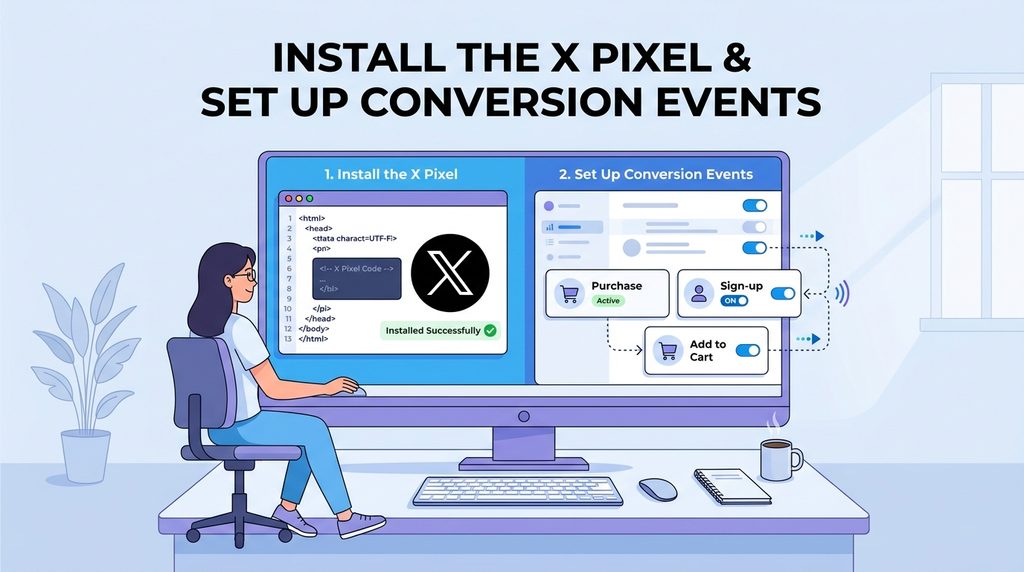
If you want sales, sign-ups, or other website actions, install tracking before launching.
#1. In X Ads Manager, open Events Manager or the conversion tracking tool.
#2. Create an X Pixel and copy the base code.
#3. Install it on every page of your site, either directly, through Google Tag Manager, or through a platform integration.
#4. Set up events for the actions you care about, such as page view, add to cart, lead, or purchase.
#5. Test that events fire correctly before launching your campaign.
Where available, also connect the server-side Conversion API for more reliable data. Accurate conversion tracking lets X optimize delivery toward people likely to convert and shows you which ads actually drive results.
Choose Your Campaign Objective
The objective tells X what result you want. Click Create campaign and choose one:
| Objective | Choose it when you want to | You’re usually charged for |
|---|---|---|
| Reach | Show your ad to as many people as possible | Impressions |
| Video views | Get your video watched | Video views |
| Pre-roll views | Run video before content from publishers and creators | Video views |
| Engagements | Get likes, reposts, replies and clicks | Engagements |
| Followers | Grow your account | New followers |
| Website traffic | Send people to your site | Link clicks or landing page visits |
| Website conversions | Drive purchases, sign-ups or other site actions | Impressions or clicks, optimized for conversions |
| App installs and re-engagements | Get downloads or bring users back to your app | Installs, clicks or app actions |
Pick the objective that matches what you’d count as success. If you want leads or sales, choose website conversions, even if traffic campaigns show cheaper clicks. Objective names and options can change, so check the list in your account.
Set Up Your Ad Group: Targeting, Budget and Bidding
Targeting
X offers targeting built around interests and real-time conversation:
| Targeting option | How it works | Best for |
|---|---|---|
| Location, language, age, and gender | Basic demographic filters | Every campaign |
| Keywords | People who recently searched, posted or engaged with posts containing your keywords | Reaching active interest and intent |
| Follower lookalikes | People similar to followers of accounts you choose | Borrowing the audience of competitors or influencers |
| Interests | Broad topic categories | Scaling reach |
| Conversation topics | People engaging with specific themes, events or shows | Live moments and cultural events |
| Custom audiences | Website visitors, customer lists or app users | Retargeting and exclusions |
| Device and platform | Mobile, desktop, operating system | App campaigns and device-specific offers |
For a first campaign, start with one or two ad groups: for example, one using keyword targeting and another using follower lookalikes of five to ten relevant accounts.
Our guide to audience targeting explains how to layer options without shrinking your audience too much, and solid keyword research helps you choose the phrases your buyers actually use.
Budget and schedule
Set a daily budget at the campaign level and, if you like, a total budget and end date. There’s no large minimum spend for self-serve campaigns, so you can start small. Choose a test budget that can run for at least two weeks, and keep it within your overall marketing budget.
Bidding
X typically offers three bid types:
#1. Autobid: X sets bids to get the most results for your budget. Best for beginners.
#2. Target cost: X aims to keep your average cost per result near a target you set.
#3. Maximum bid: You set the most you’re willing to pay per result.
Start with autobid, then switch to target cost once you know your typical results. Our guide to ad bidding strategies explains how these work across platforms.
Create Your Ads: Formats and Creative
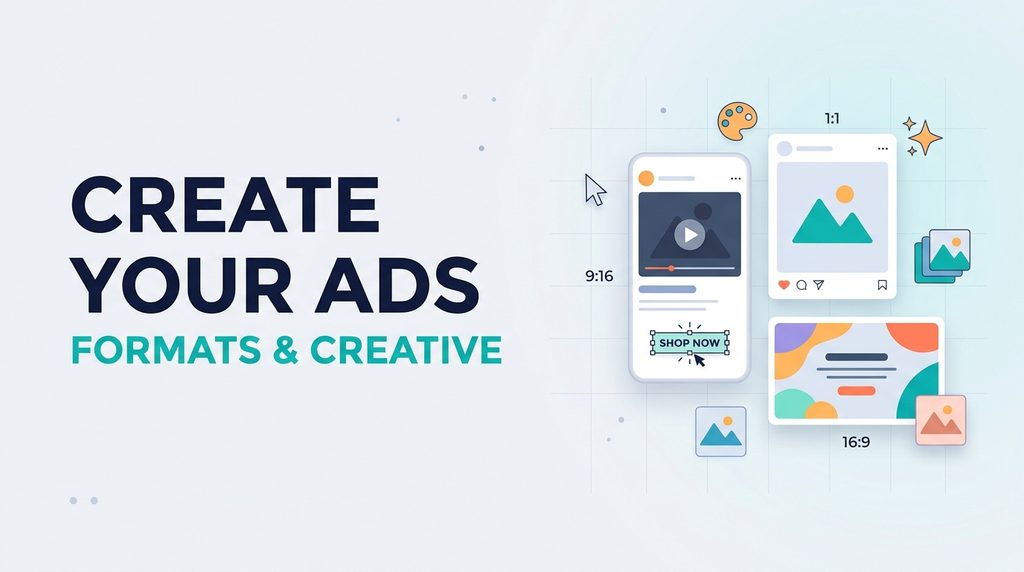
In the ad step, you can promote an existing post or create a new one just for ads.
| Format | What it looks like | Best for |
|---|---|---|
| Text post | A promoted post with text and an optional link | Simple announcements |
| Image ad | A post with one image | Products, offers and quick tests |
| Video ad | A post with a short video | Demos, stories and attention |
| Carousel | Up to several swipeable images or videos | Multiple products or features |
| Vertical video | Full-screen video in X’s immersive video feed | Mobile-first storytelling |
| Amplify pre-roll | Your video plays before content from publishers | Brand-safe video reach |
Creative tips for X:
#1. Keep text short and conversational. X users scroll fast, so lead with the most interesting point.
#2. Use video. Short clips that make sense with the sound off tend to perform well. Strong video ad creative hooks viewers in the first second or two.
#3. Match the tone of the platform. Plain, witty, or timely copy usually beats formal brand language. Sharp ad copywriting matters more here than on many platforms.
#4. Use one clear call to action and a website card or button where possible.
#5. Make several versions so you can test which message works best.
Short-form, native-feeling video is winning attention across social platforms, so it helps to watch trends elsewhere too, including TikTok algorithm changes, when planning creative for X.
Launch Checklist and Your First Two Weeks
Before you click Launch, run through this checklist:
#1. The objective matches your real goal.
#2. The X Pixel and conversion events are working.
#3. Targeting is relevant but not too narrow.
#4. Budget and schedule are correct, including the end date.
#5. Each ad group has two to four ads to test.
#6. Brand safety settings are switched on.
#7. Links work, include tracking parameters, and lead to a fast, relevant page. Good landing page optimization makes sure the clicks you pay for actually convert.
After launch, ads go through a quick review. During the first few days, X’s system learns who responds best, so results can swing. Avoid big changes for the first three to five days unless something is clearly broken, such as a dead link or very high costs with zero results.
Read Your Results and Optimize
Open your campaign dashboard and focus on the metrics that match your objective:
| Metric | What it tells you | What to do if it’s weak |
|---|---|---|
| Impressions and reach | How many people saw your ads | Broaden targeting or raise budget |
| Engagement rate | How compelling your ad is | Test new copy, visuals, or hooks |
| Link click-through rate | How many people clicked to your site | Make the offer and call to action clearer |
| Cost per result | What each click, lead or sale costs | Refine targeting, creative or bids |
| Conversions | How many valuable actions happened | Check the landing page and tracking |
| ROAS | Revenue earned per dollar spent | Shift budget to the best ad groups |
After the first week, optimize in small steps:
#1. Pause ads with low engagement and high costs.
#2. Move budget to the ad groups with the lowest cost per result.
#3. Gradually raise budgets on winners, about 20% every few days.
#4. Add fresh creative every two to three weeks to avoid fatigue.
#5. Test one change at a time, such as a new headline or audience, with simple A/B testing ads.
For sales campaigns, judge success on return on ad spend and cost per acquisition, not just clicks.
Common beginner mistakes
#1. Choosing traffic or engagement when the goal is sales.
#2. Launching without the X Pixel.
#3. Targeting too narrowly with one tiny keyword list.
#4. Using formal, ad-like copy that doesn’t fit the feed.
#5. Ignoring brand safety settings and placement reports.
Frequently Asked Questions
Is Twitter Ads Manager the same as X Ads Manager?
Yes. Twitter Ads Manager became X Ads Manager after the platform was renamed. The tools and campaign structure carried over, with new features added since.
How much should I spend on my first X campaign?
Start with a daily budget you can maintain for at least two weeks. There’s no large minimum, so many advertisers test with a modest amount and scale what works.
What’s the best objective for beginners?
It depends on your goal. Choose website conversions for sales or leads, website traffic to build an audience you can retarget, and reach or video views for awareness.
Are X ads cheaper than other platforms?
Costs vary, but some advertisers find X cheaper than more crowded platforms for reach and video views. Reddit is another lower-cost option; our breakdown of Reddit ads cost compares typical CPC and CPM ranges.
What content isn’t allowed in X ads?
Ads must follow X’s ad policies and general rules, with extra restrictions for areas like financial services, health, alcohol, and political content. Review X’s rules and policies before creating ads.
Conclusion: Launch, Learn and Scale on X
Twitter Ads Manager, now X Ads Manager, follows a simple structure: campaigns set your objective, ad groups decide who sees your ads and how much you spend, and ads deliver your message.
Prepare your profile, landing page, and creative; install the X Pixel; choose the objective that matches your goal; and start with one or two focused ad groups and several ad versions. Give the campaign time to learn, then optimize step by step.
The same campaign skills transfer to other platforms. If you also advertise on Facebook and Instagram, our Facebook Ads Manager tutorial walks through Meta’s setup in the same step-by-step way.