
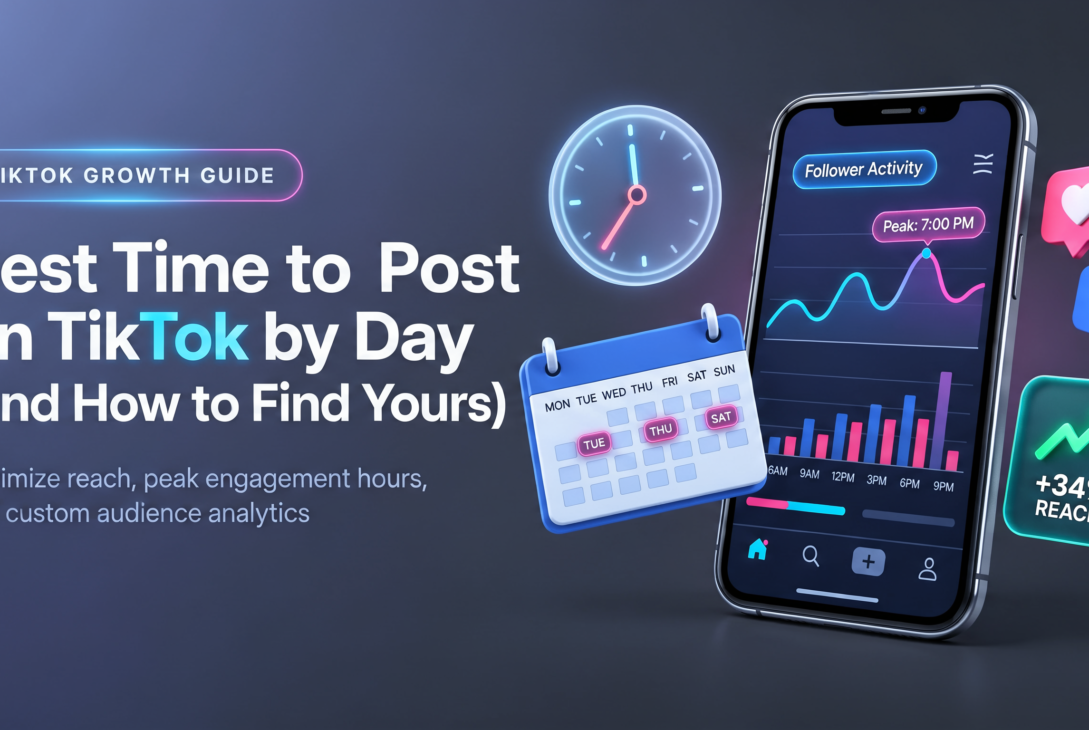
The best time to post on TikTok is usually between 6 p.m. and 10 p.m. on weekdays, with Tuesday, Thursday and Friday evenings leading most industry studies.
But that is only a starting point. Your audience’s habits, time zone and niche decide your real peak, and TikTok gives you the data to find it.
In this guide, you’ll get day-by-day data tables built from the patterns major social media studies keep reporting. Then you’ll follow a step-by-step analytics walkthrough to find the posting windows that work for your account.
Finally, you’ll learn a simple testing framework so your schedule keeps improving as the platform changes.
Timing matters more than many creators think, especially for brands building a TikTok marketing strategy from scratch.
A video that gets strong early engagement is more likely to be pushed to a wider For You audience. If you want the bigger picture of how distribution works, read our breakdown of TikTok algorithm changes before you build your schedule.
Why Posting Time Still Matters on TikTok
TikTok is not a strictly chronological feed, so a video can go viral days after it is published. Still, the first hour after posting acts as a test. TikTok shows your clip to a small batch of viewers and watches how they respond.
If your followers are online and active, that first batch is more likely to watch to the end, like, comment and share.
Those signals feed the TikTok For You page algorithm and help your video reach new viewers. If you post while your audience is asleep, the test runs on weaker signals.
Timing also affects how well other tactics work. A smart TikTok hashtag strategy or a trending sound gives more lift when real people are scrolling. Posting time won’t rescue a weak video, but it gives a strong one its best chance.
Three things shape your ideal window:
- Audience location: TikTok shows activity in your audience’s local time zones, not yours.
- Niche behavior: Students, parents, gamers and B2B buyers scroll at very different hours.
- Content type: Short entertainment clips peak in the evening, while tutorials often do well at lunch.
Best Time to Post on TikTok by Day: Data Tables
The data tables below combine the posting windows that large engagement studies have reported most often, such as the ongoing research from Sprout Social. All times are in your audience’s local time. Treat them as starting points to test, not fixed rules.
Table 1: Best times to post on TikTok each day
| Day | Best windows | Single strongest slot | Why it works |
|---|---|---|---|
| Monday | 6–10 a.m., 10 p.m. | 10 p.m. | Late-night scrolling after the first workday |
| Tuesday | 2–4 a.m., 9 a.m., 7 p.m. | 9 a.m. | Morning commute and evening wind-down |
| Wednesday | 7–8 a.m., 11 p.m. | 8 a.m. | Midweek breaks and late browsing |
| Thursday | 9 a.m., 12 p.m., 7 p.m. | 7 p.m. | Strong all-day engagement, top evening slot |
| Friday | 5 a.m., 1–3 p.m., 7 p.m. | 5 a.m. | Early risers and pre-weekend downtime |
| Saturday | 11 a.m., 7–8 p.m. | 11 a.m. | Relaxed late mornings and evening leisure |
| Sunday | 7–8 a.m., 4 p.m. | 4 p.m. | Afternoon rest before the new week |
Table 2: Best and worst days at a glance
| Ranking | Days | What to expect |
|---|---|---|
| Strongest | Tuesday, Thursday, Friday | Highest and most consistent engagement |
| Steady | Monday, Wednesday, Saturday | Good reach in the right time slots |
| Weakest | Sunday (mornings) | Lower activity; use afternoons instead |
Table 3: Peak windows by niche
| Niche | Typical peak | Notes |
|---|---|---|
| Gen Z entertainment | 7–11 p.m. weekdays | After school and late night |
| Fitness and wellness | 5–7 a.m., 6–8 p.m. | Before and after workouts |
| B2B and marketing | 8–10 a.m., 12–1 p.m. weekdays | Commute and lunch breaks |
| Food and recipes | 11 a.m.–1 p.m., 4–6 p.m. | When people plan meals |
| Gaming | 8 p.m.–1 a.m., weekends | Late sessions and free days |
These patterns line up with what we see in our social media posting schedule research across platforms. The key takeaway: evenings and weekday lunch breaks are reliable, but your own numbers should have the final say.
Analytics Walkthrough: How to Find Your Best Time to Post
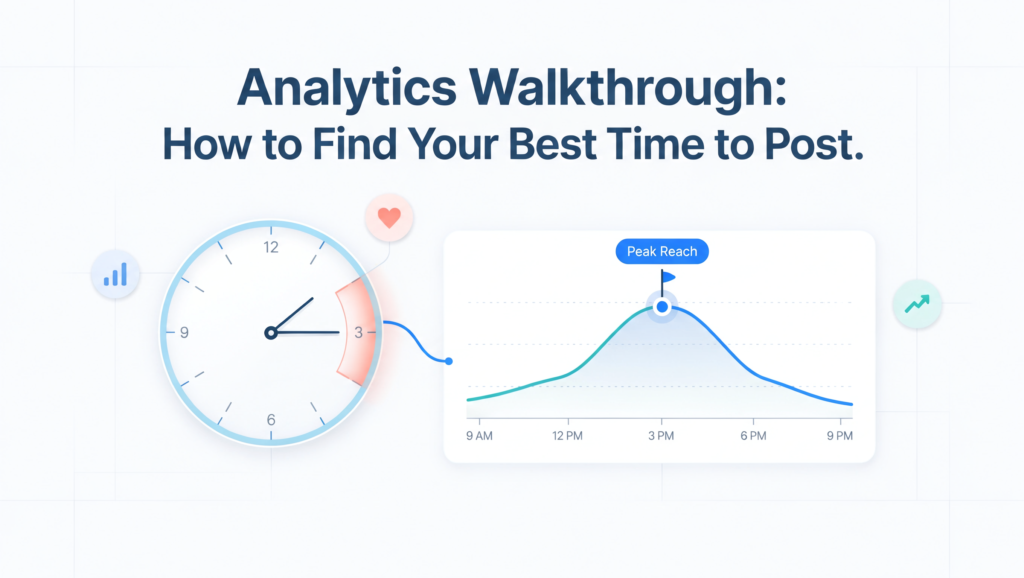
General data tables are useful, but your followers are unique. This analytics walkthrough shows you how to pull your own peak hours from TikTok’s built-in tools. You’ll need a free TikTok Business account or Creator account, since personal accounts don’t show full analytics. TikTok’s official guide to TikTok Analytics explains how to switch.
- Open your analytics dashboard. Go to your profile, tap the menu, then open Creator tools (or Business suite) and select Analytics. You can also view it on desktop through TikTok Studio, which is easier for reading charts.
- Go to the Followers tab. Scroll to “Follower activity.” This chart shows the hours and days your followers are most active, in your account’s time zone.
- Note the top three hours. Write down the tallest bars for each day. These are your first-choice posting slots.
- Check top territories. In the same tab, see where your followers live. If most are in another country, convert the times or set your schedule to their local time.
- Review the Content tab. Open your best-performing videos from the last 60 days. Compare the time each was posted with its views, average watch time and completion rate.
- Look at traffic sources. In each video’s analytics, check how much traffic came from the For You feed. High For You traffic within the first few hours suggests good timing.
- Build a shortlist. Combine follower activity with your top videos’ posting times. Pick two or three windows that show up in both.
If you track results across platforms, export these numbers into a simple sheet so trends are easy to spot. Pair this with TikTok engagement rate benchmarks so you know whether a slot is truly working.
A Simple 4-Week Testing Framework
Once you have a shortlist, test it. A structured test turns guesses into proof and keeps your TikTok content strategy grounded in real results.
| Week | What to do | What to measure |
|---|---|---|
| Week 1 | Post at the top slot from the general data tables | Views, watch time, shares in the first 24 hours |
| Week 2 | Post at your top follower-activity hour | Same metrics, same content style |
| Week 3 | Test a contrarian slot, such as early morning | Whether lower competition boosts reach |
| Week 4 | Repeat the winning slot to confirm results | Consistency across several posts |
Keep everything else as steady as possible. Use similar video lengths, formats and hooks so timing is the only real variable. After four weeks, compare the average views and engagement per slot, then lock in your winners.
Scheduling helps you stay consistent. TikTok’s built-in scheduler lets you plan posts up to 10 days ahead on desktop, and many teams use a scheduling tool to manage TikTok alongside other channels.
If you’re building a full calendar, our guide on how often to post on TikTok will help you set the right frequency.
Common Timing Mistakes to Avoid
Even with good data, a few habits can hold your reach back.
- Posting in your own time zone when most followers live elsewhere.
- Copying a generic “best time” list without checking your own analytics.
- Changing your schedule every week before results are clear.
- Posting and leaving. Replying to comments in the first hour adds signals that help distribution.
- Ignoring content quality. Strong TikTok video ideas and a clear hook in the first two seconds matter more than any time slot.
Pro Tips to Get More From Your Posting Window
Post 15 to 30 minutes before your peak hour, so the video is ready when activity climbs. Stay active on the app around posting time by engaging with others in your niche.
If you run paid campaigns, time your organic posts to support them. Our TikTok ads guide explains how paid and organic content can work together. Revisit your analytics every month, because audience habits shift with seasons, school terms and platform updates.
Frequently Asked Questions
What is the best time to post on TikTok overall?
For most accounts, weekday evenings between 6 p.m. and 10 p.m. perform best, with Tuesday, Thursday and Friday standing out. Always confirm this with your own follower activity data.
What is the worst day to post on TikTok?
Sunday mornings tend to show the lowest engagement in many studies. Sunday afternoons, however, can perform well.
Does posting time affect the TikTok algorithm?
Indirectly, yes. Good timing improves early engagement, which helps the algorithm decide whether to show your video to more people. See our article on TikTok algorithm ranking factors for the full picture.
How many times a day should I post on TikTok?
Most brands do well with one to three posts per day. Consistency over weeks matters more than volume on a single day.
Can I see follower activity on a personal account?
No. You need a free Creator or Business account to unlock full analytics, including follower activity by hour.
Conclusion: Find Your Own Best Time to Post on TikTok
The best time to post on TikTok starts with proven patterns: weekday evenings, Tuesday to Friday, and lunch breaks for business audiences.
But the real win comes from your own data. Use the data tables as a baseline, follow the analytics walkthrough to read your follower activity, then run a four-week test to confirm what works.
TikTok keeps evolving, so review your schedule regularly and keep an eye on TikTok trends in your niche. Stay current with our coverage of TikTok algorithm changes and adjust your timing whenever your numbers shift.