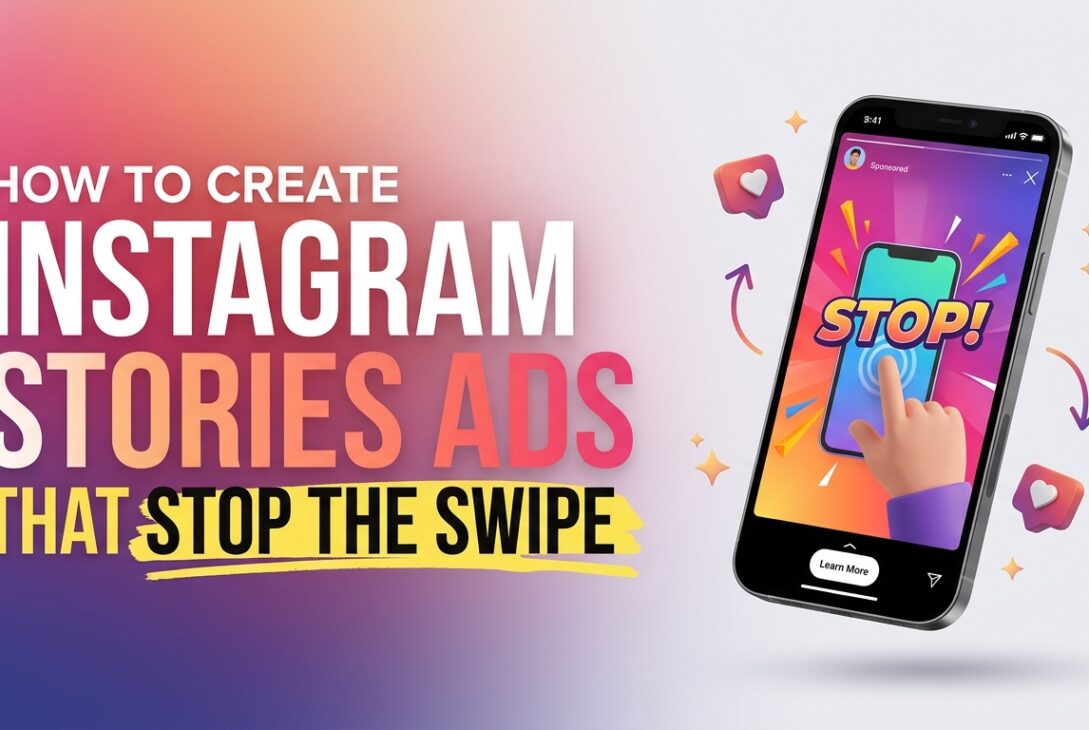
Knowing how to create Instagram Stories ads that actually get watched is a valuable skill. Stories ads fill the whole phone screen, but viewers can tap past them in a fraction of a second.
The difference between an ad that’s skipped and one that stops the swipe usually comes down to a few smart decisions: the right format, a strong opening, clean design, and a clear next step.
This guide walks you through the whole process. You’ll learn the specs to follow, how to set up a Stories ad in Ads Manager step by step, how to hook viewers in the first two seconds, how to use stickers and calls to action, and how to test your way to better results.
Stories ads work best as part of a broader Instagram marketing strategy, where paid and organic content support each other.
Why Instagram Stories Ads Work
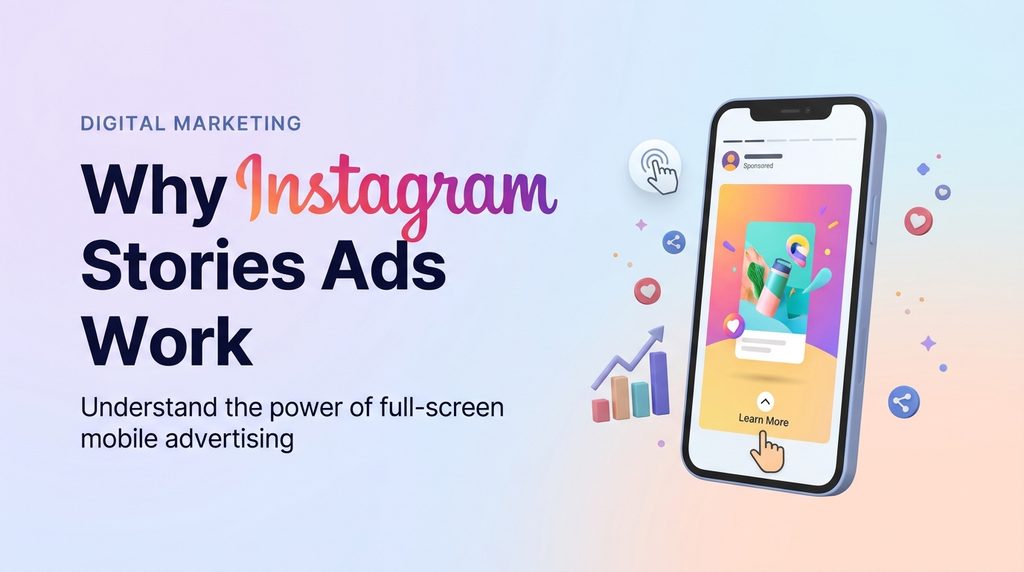
Stories are one of the most-viewed places on Instagram. Ads appear between Stories from friends and creators, so a well-made ad feels like part of the experience rather than an interruption.
#1. Full-screen attention. Your ad fills the entire screen, with nothing competing beside it.
#2. Native feel. Casual, vertical content blends in with organic Stories.
#3. Interactive tools. Polls, quizzes, sliders, and link stickers invite people to engage.
#4. Flexible goals. Stories ads can drive awareness, traffic, leads, app installs, and sales.
Stories ads are created through Meta’s ad tools, alongside Facebook and other Instagram placements, so they’re part of your wider Meta advertising setup.
Instagram Stories Ad Specs
Getting the specs right keeps your ad sharp and stops key elements from being covered by buttons or profile details.
| Element | Recommendation |
|---|---|
| Aspect ratio | 9:16 (vertical, full screen) |
| Resolution | 1080 × 1920 pixels |
| File types | JPG or PNG for images; MP4 or MOV for video |
| Video length | Keep each card short, ideally 5–15 seconds |
| Safe zone | Leave roughly the top and bottom 14% (about 250 pixels) free of key text, logos, and buttons |
| Sound | Design for sound on and sound off, with captions |
The safe zone matters most. Your profile name sits at the top, and the call-to-action button sits at the bottom. Keep headlines, logos, and product shots in the middle area so nothing important is hidden. Strong ad design habits, such as one focal point and high contrast, also help your ad stand out on a small screen.
Specs can change, so check Meta’s official Ads Guide before exporting your final files.
How to Create Instagram Stories Ads in Ads Manager: Step by Step
You create Stories ads in Meta Ads Manager. If you’re new to the platform, our Facebook Ads Manager tutorial covers account setup in detail. Once your account is ready, follow these steps:
#1. Connect your Instagram account to your Meta business portfolio, so ads run under your brand’s profile.
#2. Install the Meta Pixel and Conversions API on your website if you want to track sign-ups or sales. Reliable conversion tracking lets Meta optimize for the results you care about.
#3. In Ads Manager, click Create and choose an objective, such as Awareness, Traffic, Leads, or Sales.
#4. In the ad set, choose your audience, budget, and schedule.
#5. Under Placements, either keep Advantage+ placements (which includes Stories) or choose manual placements and select Instagram Stories, plus Facebook Stories and Reels if you want more reach with the same vertical creative.
#6. In the ad, select your Facebook Page and Instagram account, then upload your 9:16 image, video or carousel cards.
#7. Add primary text, a call-to-action button, and your destination link. In Stories, the button appears at the bottom of the screen.
#8. Use the preview to check how the ad looks in the Stories placement, and move any text that falls into the top or bottom edges.
#9. Publish and wait for review, which usually takes less than a day.
Tip: When you upload creative, you can assign a separate vertical version to Stories and Reels while using a square or 4:5 version for feeds. This keeps each placement looking native.
Hook Viewers in the First Two Seconds
The first two seconds decide whether someone watches or taps away. Strong hooks share three traits: instant movement, a clear subject, and a reason to keep watching. Try one of these openings:
#1. Start with the result. Show the finished product, the “after” shot, or the happy customer first.
#2. Ask a sharp question. “Still paying full price for this?” in bold on-screen text.
#3. Put a face on screen. A person speaking directly to the camera holds attention better than a static product shot.
#4. Break the pattern. Use an unexpected sound, color, angle, or movement.
#5. Lead with a number or claim. “3 mistakes ruining your skin” or “Save 2 hours a week.”
Avoid slow logo intros and long setups; put your brand on screen early, but not as the opening shot. The same hooks work on Reels and TikTok, where audiences scroll just as fast. Keep up with TikTok algorithm changes and our guide to video ad creative to stay on top of what grabs attention in short-form video.
Design and Copy Best Practices
Once you’ve earned attention, clear design and simple words keep it. Follow these principles:
#1. Shoot vertically. Film or design in 9:16 from the start instead of cropping a horizontal video.
#2. Keep it native. Phone-shot, casual footage often outperforms glossy studio ads in Stories.
#3. Use large, bold text. Keep on-screen text short and readable at a glance, and place it inside the safe zone.
#4. Add captions. Many people watch Stories with the sound off, so make sure the message works without audio.
#5. Show the product early. Viewers should understand what you’re offering within the first few seconds.
#6. Stick to one message per ad. One benefit, one offer, one call to action.
#7. Keep brand cues consistent. Use your colors, fonts, and logo so people recognize you at a glance.
The words matter as much as the visuals. Write short, benefit-driven lines like “Cut meal prep to 15 minutes” rather than feature lists. Strong ad copywriting turns attention into action, especially when the on-screen text and the button say the same thing.
Use Stickers and Calls to Action
Interactive stickers and clear calls to action turn passive viewers into active ones.
| Sticker or CTA | Best use | Tip |
|---|---|---|
| Poll | Engagement and quick feedback | Keep both options to two or three words |
| Quiz | Education and myth-busting | Reveal the answer on the next card |
| Emoji slider | Reactions to new products | Match the emoji to the mood |
| Countdown | Launches, sales and events | Pair with a clear deadline in the text |
| Link or CTA button | Traffic, leads and sales | Use action words like “Shop now” or “Get the guide” |
| Product tags | Shopping | Tag only products shown on screen |
A few rules apply to every Stories ad:
#1. Use one main call to action per card.
#2. Tell viewers what to do in words as well as with a button, such as “Tap to shop the look.”
#3. Match the call to action to the audience. Ask warm audiences to buy and cold audiences to learn more.
#4. Check sticker availability when you build the ad, as options vary by objective and setup.
For inspiration on combining hooks, stickers, and CTAs by campaign goal, see our collection of Instagram Stories ads examples. Instagram’s own Instagram for Business site also shares current creative tools and formats.
Choose the Right Format: Image, Video or Carousel
Each format suits a different goal:
| Format | Best for | Watch out for |
|---|---|---|
| Single image | Simple offers, sales and quick tests | Static images can be skipped faster; make the visual bold |
| Video | Demos, stories and brand awareness | Long intros and missing captions |
| Carousel (multiple cards) | Showing several products, steps, or features | Each card should make sense on its own |
Video usually earns the most attention in Stories, but images are faster to make and test. Many advertisers run both and let results decide.
If you already create vertical videos for Reels, you can often reuse them in Stories with small changes to text placement. Our guide to Instagram Reels ads explains how to adapt one video for both placements.
Test and Optimize Your Stories Ads
Even experienced advertisers can’t predict every winner. Build testing into every campaign:
#1. Create three to five versions of each ad, changing one element at a time, such as the hook, the visual or the call to action.
#2. Give each test enough time and budget, usually at least several days, before judging it.
#3. Compare results using the metric tied to your goal.
#4. Turn off weak versions and create new ones based on what the winners have in common.
#5. Refresh creative every two to four weeks to avoid ad fatigue.
| Goal | Metric to watch |
|---|---|
| Awareness | Reach, frequency, ad recall lift |
| Traffic | Link click-through rate, cost per landing page view |
| Engagement | Sticker taps, replies, video completion rate |
| Leads | Cost per lead |
| Sales | Purchases, cost per purchase, ROAS |
Meta’s built-in experiments tool makes simple A/B testing ads easy, so you can compare creatives fairly. For sales campaigns, judge success on return on ad spend, not just clicks.
Common Instagram Stories Ad Mistakes
Avoid these errors that cause people to tap past your ad:
#1. Reusing horizontal or square creative that leaves empty bars in Stories.
#2. Placing text or logos on the top or bottom edges, where they get covered.
#3. Starting with a slow logo animation instead of a strong hook.
#4. Packing in too much text, too many offers, or too many stickers.
#5. Forgetting captions for viewers watching with sound off.
#6. Sending people to a slow or cluttered page. The ad’s promise should match the page they land on, and good landing page optimization keeps those clicks from going to waste.
#7. Running the same ad for months until performance drops.
Frequently Asked Questions
How long should an Instagram Stories ad be?
Short works best. Most effective Stories ads make their point within 5 to 15 seconds per card, even though longer videos are allowed.
What size should Instagram Stories ads be?
Use a 9:16 aspect ratio at 1080 × 1920 pixels, and keep key elements away from the top and bottom edges.
Can I run Stories ads without a big budget?
Yes. You can start with a small daily budget, test a few creatives, and scale the ones that perform best.
Should I use Stories ads or Reels ads?
Both use vertical creative, and many advertisers run them together. Stories are great for quick, tappable messages and interactive stickers, while Reels suit entertaining, video-first content.
Does timing matter for Stories ads?
Meta’s system delivers ads throughout the day, so timing matters less than for organic posts. For organic Stories, our guide to the best time to post on Instagram helps you reach followers when they’re most active.
Conclusion: Create Stories Ads People Want to Watch
Now you know how to create Instagram Stories ads that stop the swipe. Follow the 9:16 specs and safe zones, set up your campaign carefully in Ads Manager, and open every ad with a strong hook. Keep your design native and your message simple, use stickers and calls to action to invite a response, and test new versions regularly.
Stories ads work best when they connect to the rest of your marketing. Pair them with helpful organic content using proven content marketing strategies, so people who tap through your ads find a brand worth following.